Tutorials • Commercial
Domain renewal
In this tutorial, you will learn how to place a renewal order for a domain already registered with Hostico.
2
Views 3983Updated 2 aniPublished on 28/10/2017by Mark D.
Introduction:
- In this tutorial, you will learn how to place an order for the renewal of a domain from the Hostico client account
Requirements:
- A Hostico client account
Steps:
- After logging into the client account, access the Domains
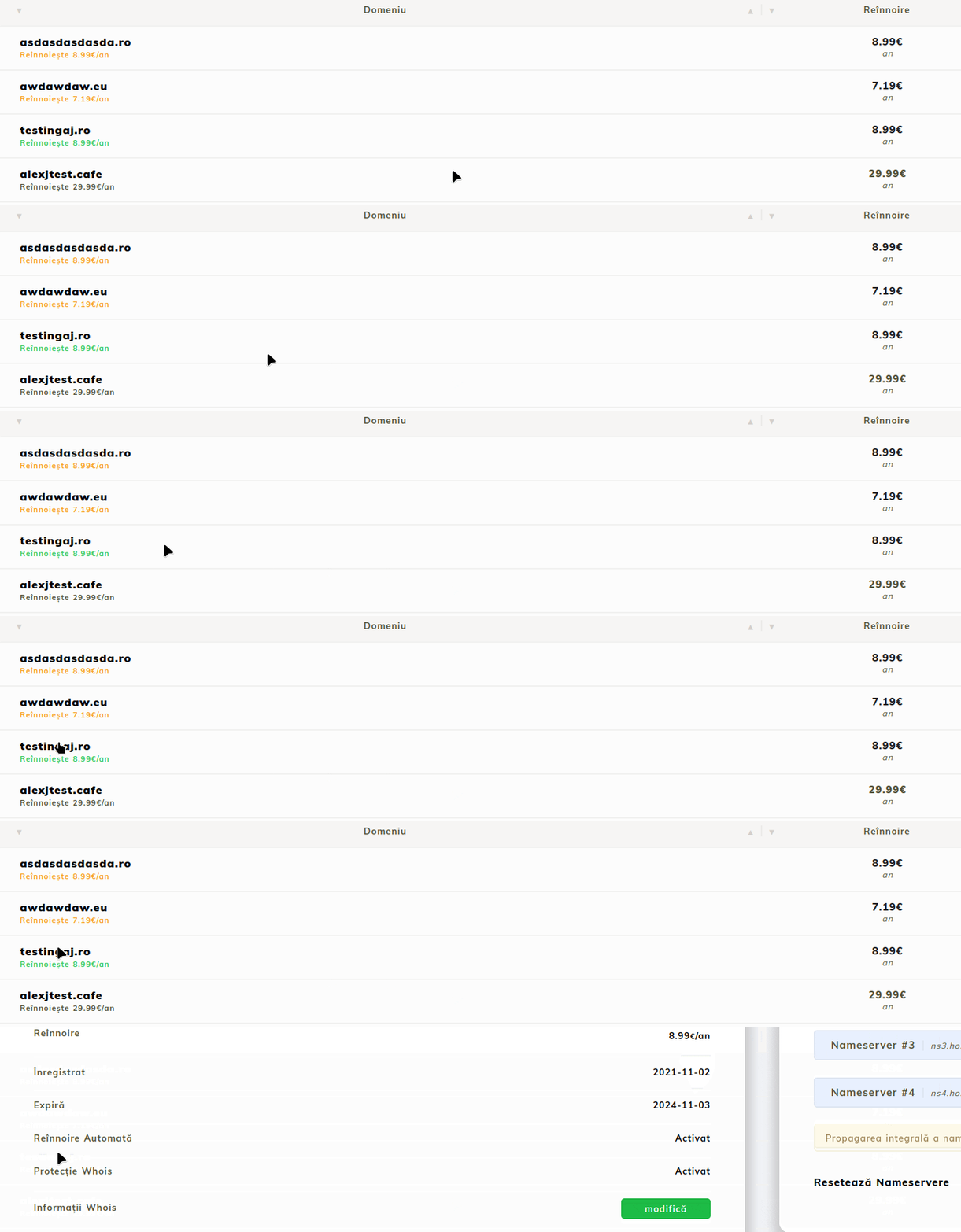
- Your domains registered with Hostico are displayed. You can see the name, status, remaining active period, and renewal cost.
- To renew a domain, the service we wish to extend will be accessed.
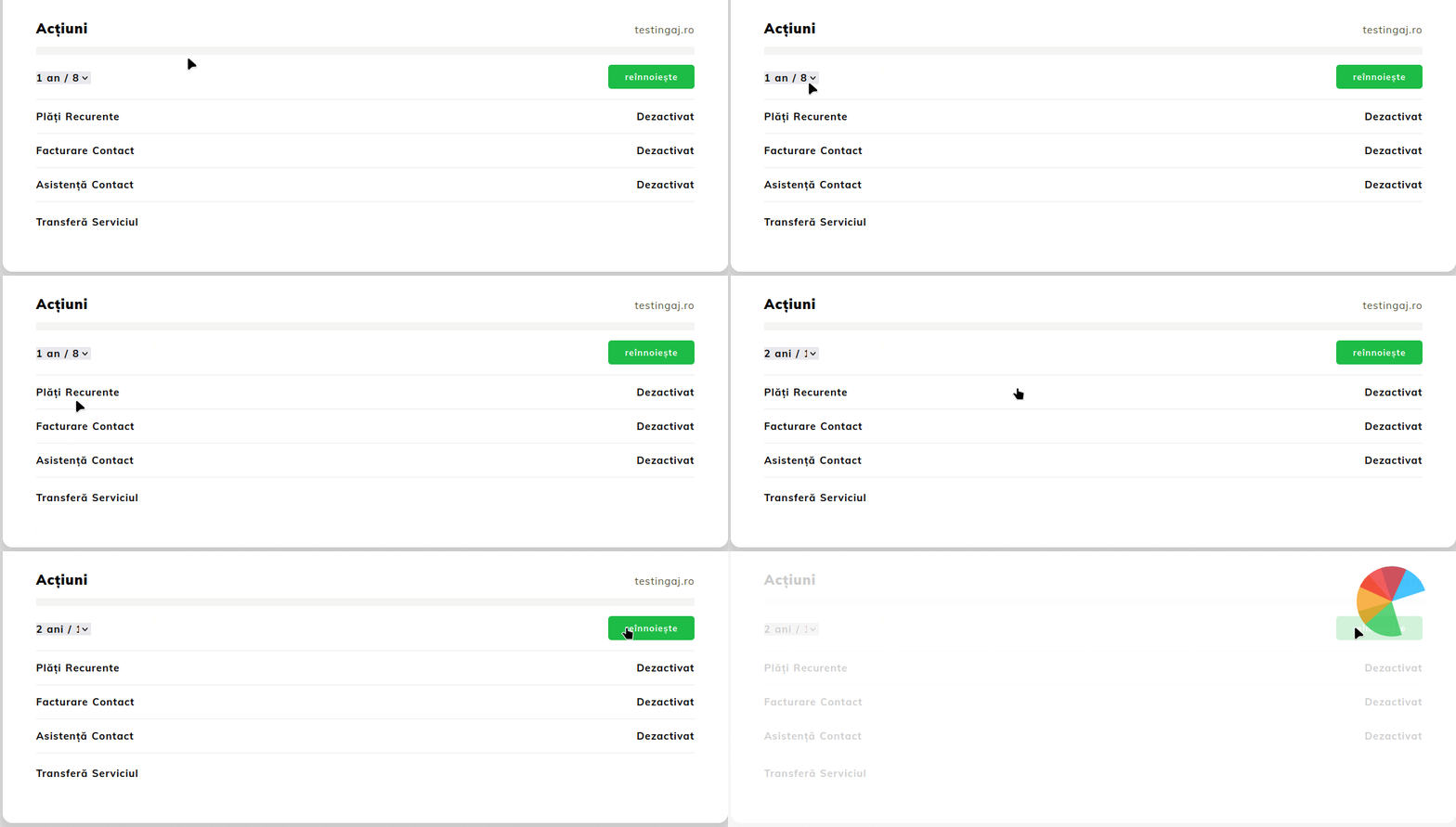
- In the opened page, go to the bottom to the Actions menu, then select the desired period and execute the Renew button
Note:
- The billing application will automatically issue a pro forma invoice for the domain renewal 2 weeks before it expires. The renewal order is only necessary if you wish to renew it sooner.
- Domain renewal must be done before it expires, as after expiration some domain extensions incur a redemption fee by the registrar.