Tutorials • Dev
Verification of applications installed through the Softaculous plugin under reseller
This article describes the steps necessary to verify applications installed by customers under a reseller, using the Softaculous plugin in WHM.
Views 1070Updated 2 aniPublished on 16/07/2021by Eduard K.
Introduction
- In this tutorial we will present the necessary steps for verifying the applications installed by clients using the cPanel Softaculous plugin.
- Softaculous is an auto-installer that simplifies the installation of web applications. It includes numerous CMSs (Content Management Systems), such as: WordPress, Joomla, PrestaShop, phpBB, Magento, WHMCS, etc.
Requirements
- The authentication details for the WHM panel, present in the email with reseller administrative details.
Steps
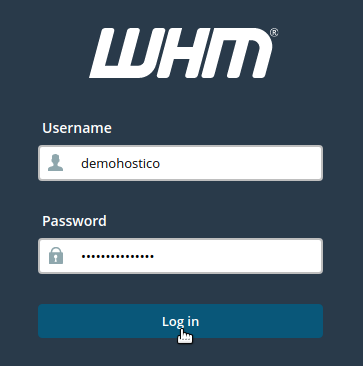
- We log in to WHM with the relevant account details.
- We can use DOMAIN/WHM or IP/WHM
- In part left we will look for Softaculous - Instant Installs

- In the following window we have the page for settings and statistics for the accounts created under reseller.

- For example, from the By Domains submenu we can verify the CMSs and the versions installed on reseller accounts filtered by the domain name.
- Outadet Installations indicates instances that have updates available
- By User filters the results by cPanel user.
- By Scripts filters the results by the type of CMS installed.
