Tutorials • WHM
Viewing sent message summaries in the WHM admin panel
Learn how to view statistics about message delivery in WHM. Follow the steps to access the summary of sent messages and obtain relevant information.
Views 803Updated 4 aniPublished on 27/11/2017by Florin P.
Introduction
- In this tutorial, we will show you how to view statistics about message delivery.
Requirements
- Access to the WHM admin panel.
Steps
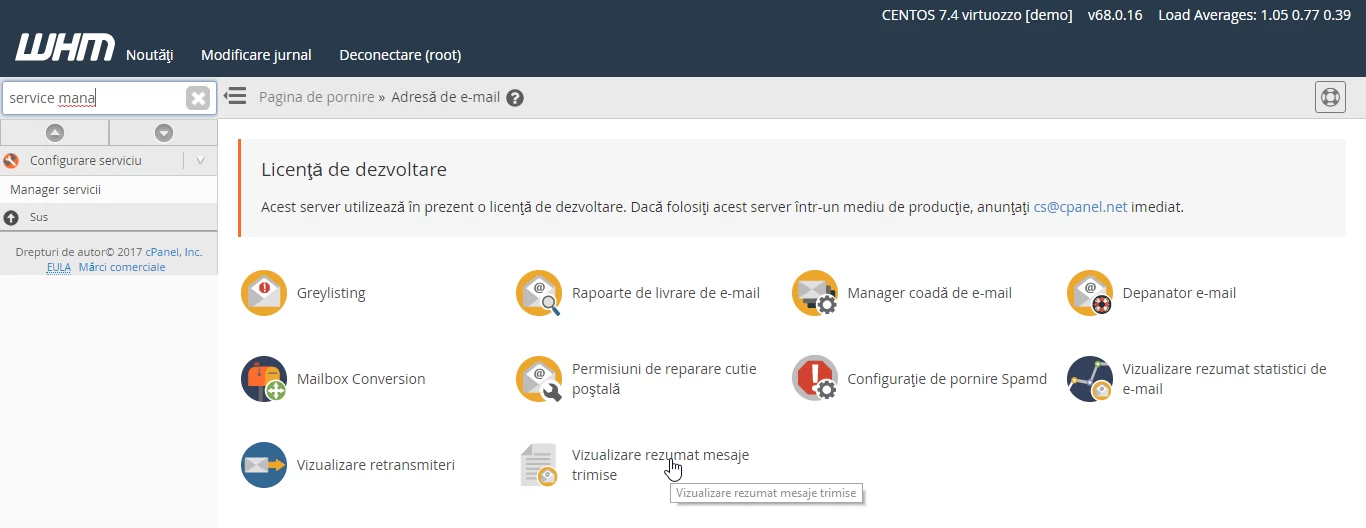
- After we log in to the WHM administration panel, we will go to Email Address and then click on View Summary of Sent Messages.
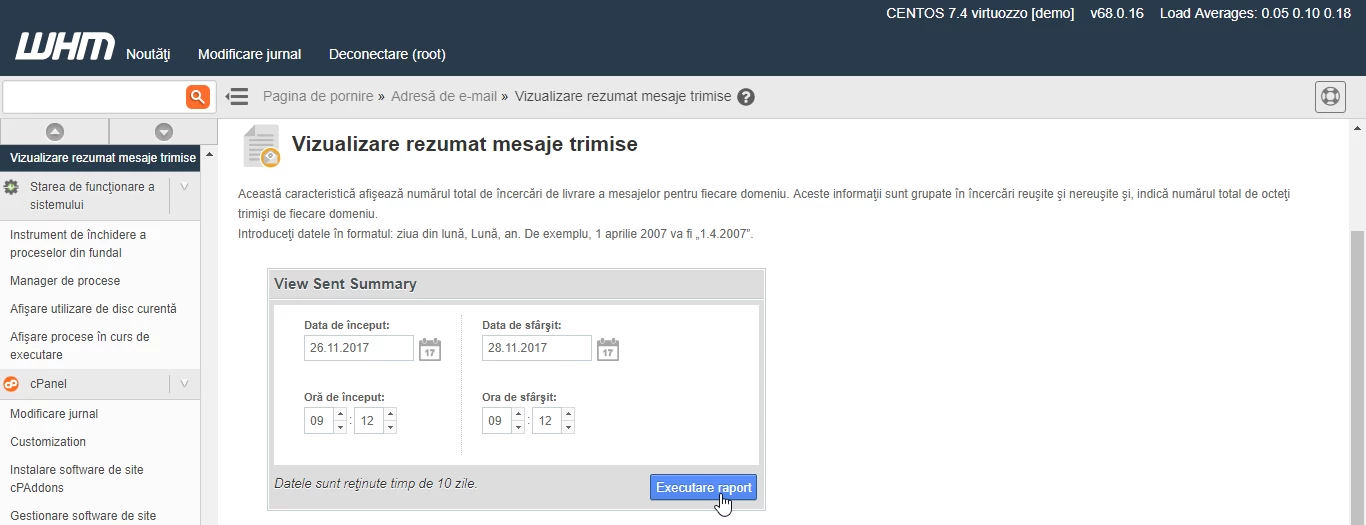
- On the page that will open, we will select the date and time interval for the report we want to view, and then we will click on the Execute report button.
- In the generated report, the following information is available: domain, user, successful operation, delays, failures, total messages.
