Tutorials • WHM
Viewing subdomains in the WHM administration panel
Learn how to view subdomains in WHM, step by step, to effectively manage accounts. The tutorial provides clear and helpful instructions.
Views 950Updated 2 aniPublished on 16/08/2017by Florin P.
Introduction
- In this tutorial, we will show you how to view or list subdomains in the WHM administration panel.
Requirements
- A WHM account
Steps
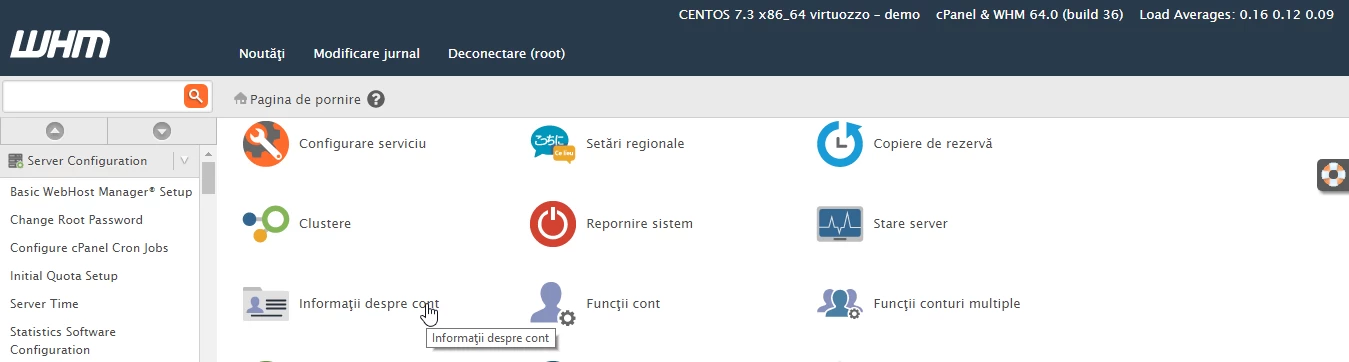
- After logging into the WHM administration panel, we will click on Account Information.
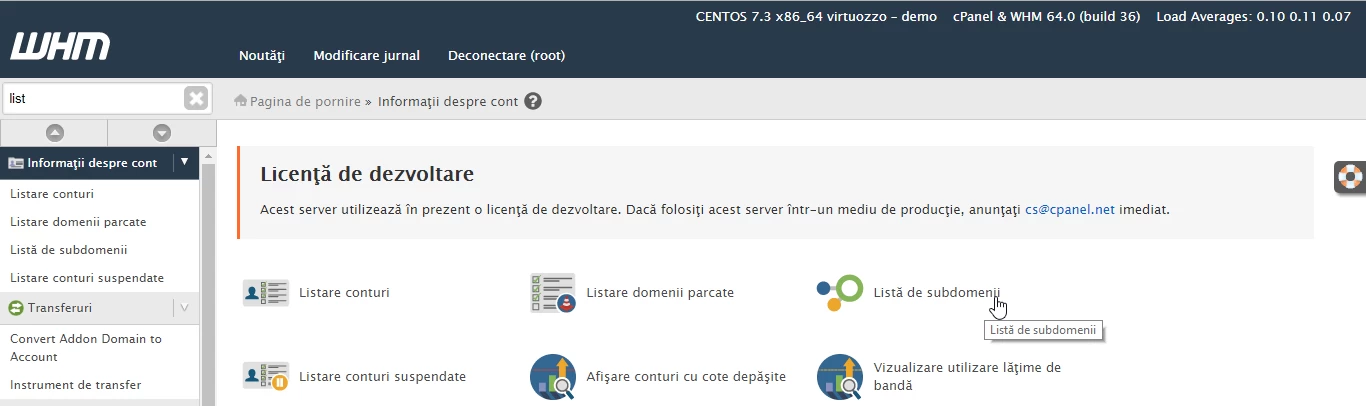
- After that, we will click on Subdomain List.
- In the next page are displayed the subdomains, client.hostico.ro is our example subdomain.
- In the table below we have the following information: Domain - hostico.ro (the domain to which the subdomain client.hostico.ro is added), User/utilizator - hostico, Subdomain - our subdomain client.hostico.ro.
